扩展介绍与功能详解
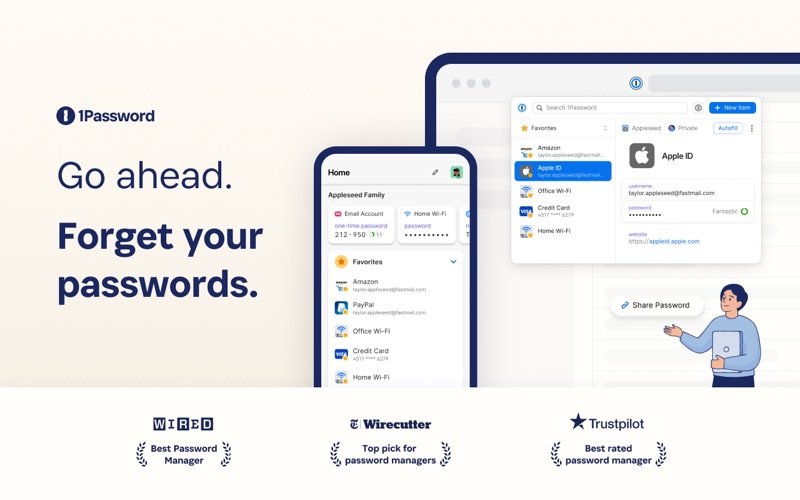
1Password is the world’s most loved password manager, trusted by millions of individuals and over 175,000 businesses to keep their secrets safe.
== A browser-first experience ==
You can now use 1Password in Safari without installing the desktop app! 1Password for Safari is a completely independent extension that provides full access to 1Password’s capabilities:
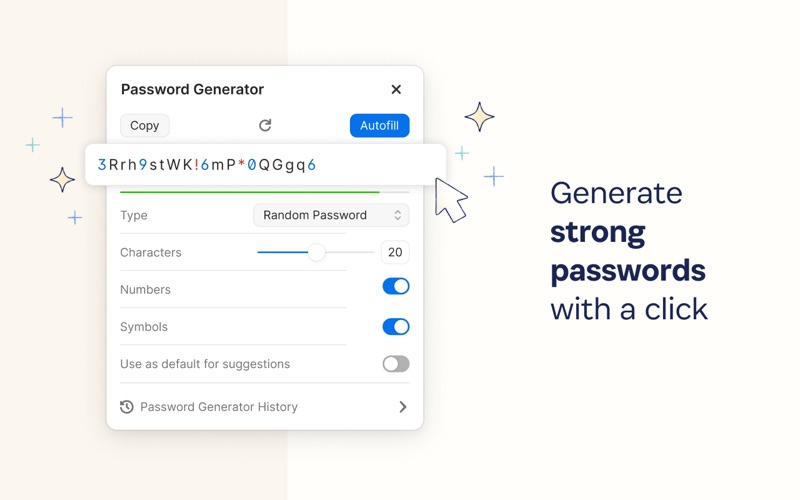
Create and store strong, unique passwords for all your accounts
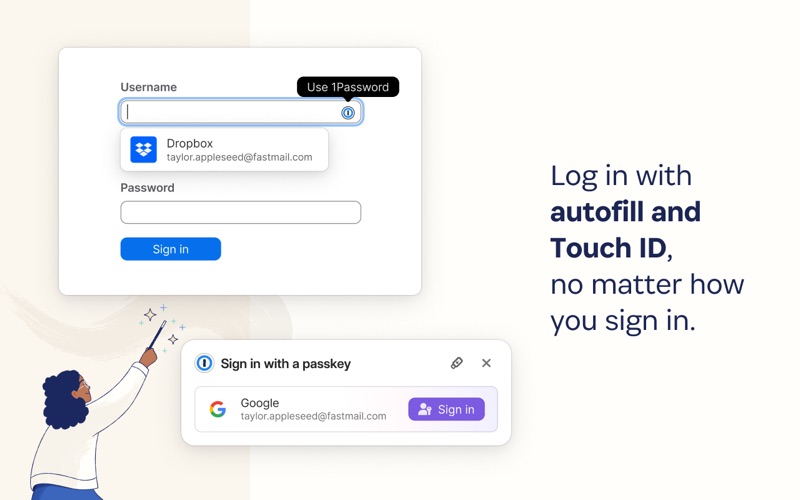
Fill usernames & passwords, credit cards, and addresses on websites and online forms in seconds
Protect your private notes, sensitive documents, credit cards, medical records, software licenses, and more
If you choose to install the desktop app as well, 1Password for Safari integrates securely with it so you can use Touch ID on supported Macs to unlock in an instant. Best of all, when you unlock one, you unlock the other too!
== Secure by design ==
The information you store in 1Password is encrypted, and only you hold the keys to decrypt it. We can’t see your data, so we can’t use it, share it, or sell it.
Learn more about our security model at 1Password.com/security.
== Built for families and teams ==
1Password for Safari supports accounts for you, your family, and your business.
Add all your accounts and choose which vaults you want to see
Easily move items between accounts
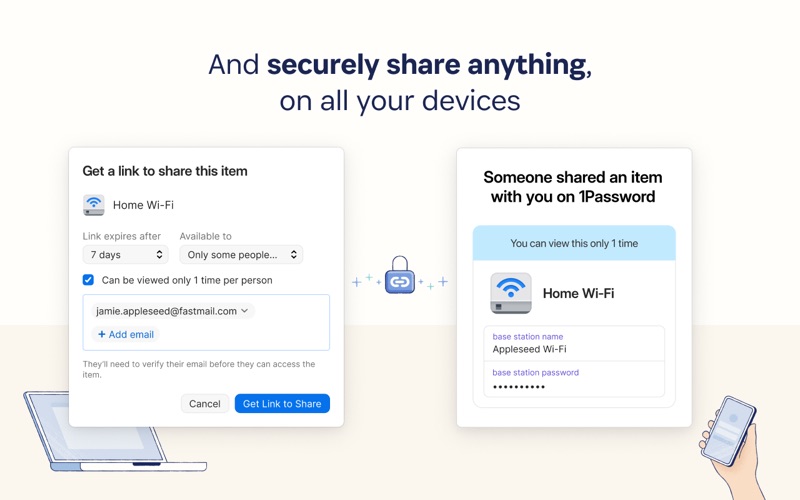
Use shared vaults to safely share secrets with your loved ones or team members
== Get automatic security alerts with Watchtower ==
Watchtower monitors your account for vulnerabilities so you can stay one step ahead of any problems.
Get notified if your login credentials have been exposed in a data breach
Highlight weak or reused passwords so you can change them
Identify sites that support multi-factor authentication to help you add another layer of security
==Get started for free ==
Try 1Password free for 14 days, then find the plan that’s right for you or your business. Use 1Password on as many devices as you need, with apps for every platform, unlimited password and item storage, and friendly 24/7 email support.
== The Nitty Gritty Fine Print ==
1Password can be used in read-only mode without an active 1Password membership.
Privacy policy: https://1password.com/legal/privacy/
Terms of Use: https://1password.com/legal/terms-of-service/
🚀
最新版本更新日志 v8.12.44
Official Release Notes- You can now save and sign in with post-quantum passkeys on sites that support them. [[#DS-437]]
- When you set up the 1Password browser extension in Zen Browser, it will now automatically connect to the 1Password app.
- You can now turn on "Hide generated passwords" in Settings > Security to keep suggested passwords hidden in the inline menu, the password generator, and the extension popup. [[#FS-5930]]
- We've made visual improvements to the Watchtower banners you see in your items. [[#EE-2532]]
- The Watchtower "Use 1Password for 2FA" banner in item details now has clearer wording and links to instructions for turning on two-factor authentication on that item's website.
- The Watchtower card for items that support multi-factor authentication is now called "2FA available" to match the passkeys card.
- The Scan QR code option is now called "Scan 2FA QR code." In the browser extension, it's now available on any login, including from the Watchtower multi-factor authentication banner.
- We've reorganized the More options menu in item details so related options are grouped together.
- The New Item menu now lists the most common item types first.
- When you create a new item, the title field now shows "Enter a title" as a placeholder instead of the category name. If you save without a title, 1Password still uses the category name. [[#EE-2499]]
- The first field in API Credential items is now labeled "key name" instead of "username".
- We've made the selected item in the sidebar easier to tell apart from other items and improved the spacing between sidebar items. [[#KNOX-1419]] [[#KNOX-1426]] [[#KNOX-1155]] [[#KNOX-1387]]
- We've improved performance when 1Password loads autofill suggestions. [[#DESK-1089]]
- The "Allow 1Password to show unlock notifications" setting now only appears in Settings > Notifications. [[#AUTH-3674]]
- We've improved the security of passkeys on sites that let you use the same passkey across related websites. [[#FS-5950]]
- We've fixed an issue where selecting "Change password" for an Instagram login opened the wrong page. [[#BEE-946]]
- We've fixed an issue where 1Password could add screen reader text to a page when you selected a field, even if the 1Password button didn't appear on that page. [[#BEE-1088]]
- We've fixed an issue where 1Password didn't offer to save new CircleCI personal API tokens.
- We've fixed an issue where 1Password didn't offer to save new scoped Atlassian API tokens.
- We've fixed an issue where a vault could fail to sync after your session expired. [[#AUTH-3417]]
- We've fixed an issue where the 1Password browser extension could get stuck offline after you changed your Secret Key if it wasn't connected to the 1Password app. [[#AUTH-3129]]
- We've fixed an issue where opening a managed app could fill a login from a shared vault instead of the one that matches your account email. [[#FS-5971]]
- We've fixed an issue where Open & Fill opened the main site instead of the sign-in page for GEICO. [[#FILL-3441]] [[#FILL-3425]]
- We've fixed an issue where Open & Fill opened the wrong sign-in page for ADP Workforce Now. [[#FILL-3439]]
- We've fixed an issue where 1Password could select a security certificate badge that some sites show instead of signing you in automatically. [[#FILL-3420]]
- We've fixed an issue where 1Password could select an option like "Log in another way" instead of signing you in automatically after filling a one-time password. [[#FILL-3428]]
- We've fixed an issue where 1Password could select the sign-in button behind a two-factor authentication prompt instead of signing you in automatically after filling a one-time password. [[#FILL-3337]]
- We've fixed an issue where 1Password could fill your password into the one-time password field on some two-step verification pages in Japanese. [[#FILL-3416]]
Full Release Notes: https://releases.1password.com/b5x/stable/#1password-in-the-browser-8.12.44-33